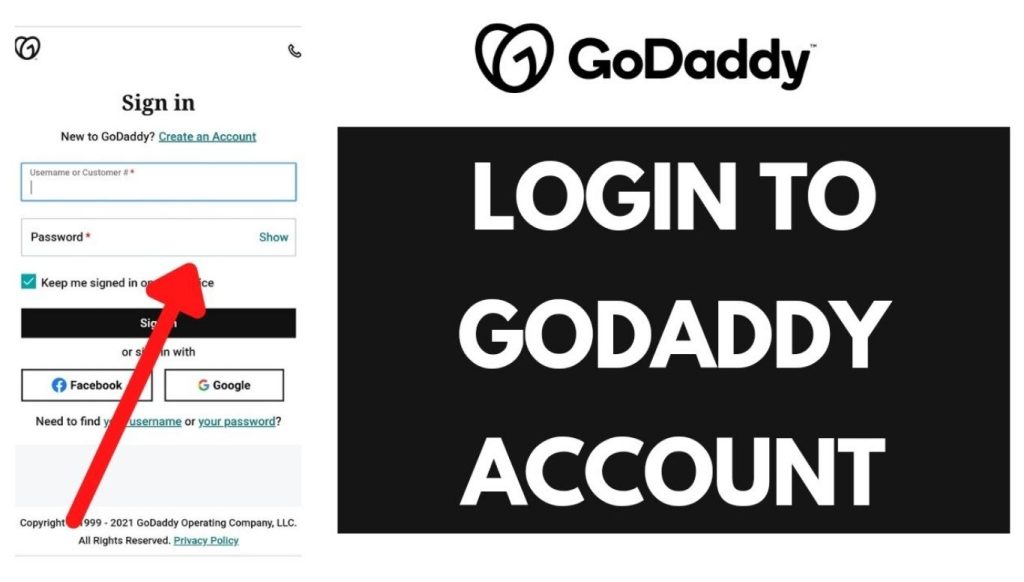
GoDaddy login is the process of signing into your GoDaddy account to manage domains, hosting, and email services. The login page sits at godaddy.com/login and accepts a username, customer number, or email address along with a password.
Account owners use GoDaddy login to renew domains, update DNS records, install SSL certificates, and manage billing. GoDaddy reports over 20 million customers worldwide, which makes account access a daily task for many small business owners and website managers.
Tip: If you keep running into login trouble or feel GoDaddy pricing has become too high, check our guide to GoDaddy alternative domain registration services once your account issues are resolved.
How to Complete GoDaddy Login on a Web Browser
Follow these steps to sign in from a desktop or laptop browser.
- Open a browser and go to GoDaddy.com.
- Click Sign In in the top right corner of the homepage.
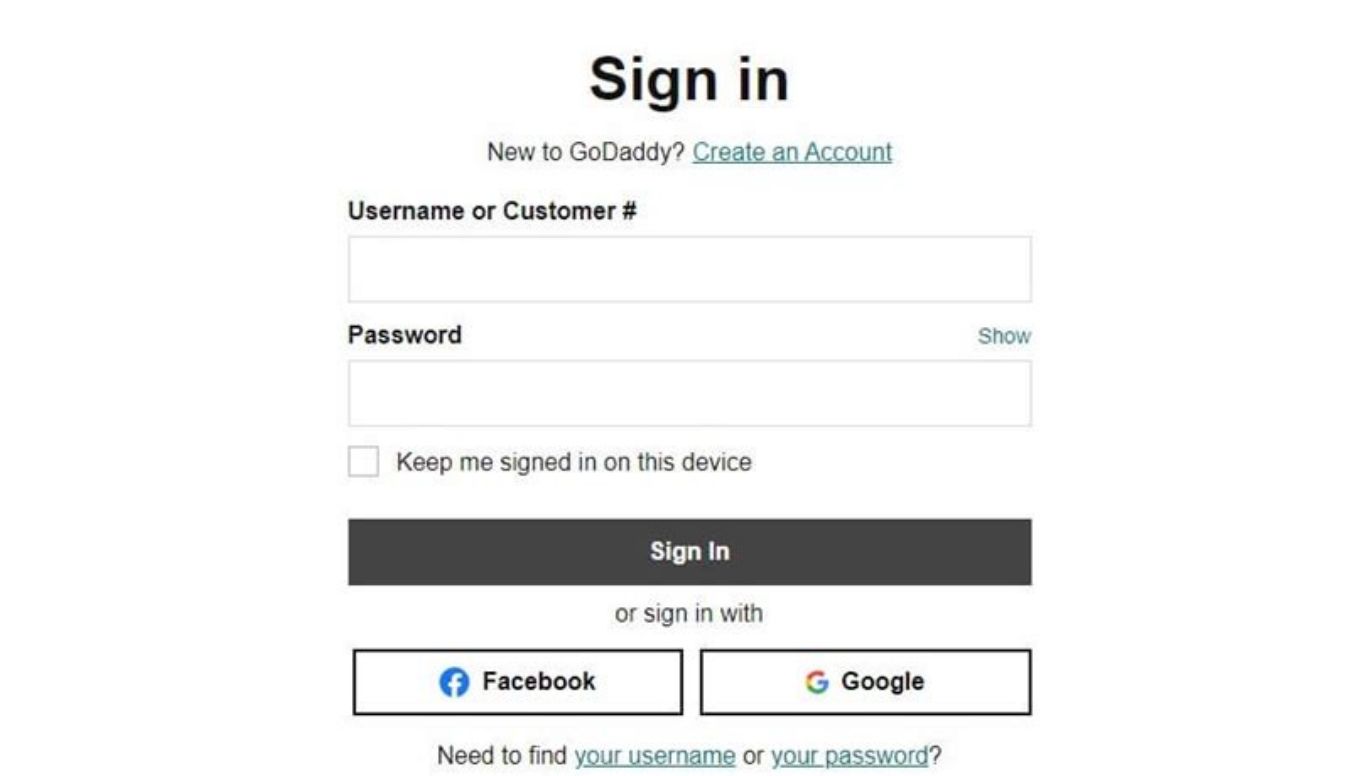
- Enter your GoDaddy username, customer number, or email address.
- Enter your account password.
- Click Sign In to load your account dashboard.
- Complete Two-Step Verification if your account has it enabled.
GoDaddy automatically directs users to the correct dashboard after a successful sign-in, regardless of whether the account includes domains, hosting plans, or email subscriptions.
How to Complete GoDaddy Login on the Mobile App
The GoDaddy mobile app allows account access from iOS and Android devices.
- Download the GoDaddy app from the Apple App Store or Google Play Store.
- Open the app and tap Log In.
- Enter your username or email address and password.
- Tap Sign In to open the app dashboard.
- Approve any two-step verification prompt sent to your device.
The mobile app displays domains, renewal dates, and hosting status on the home screen after login, which matches the information available on the desktop dashboard.
Common GoDaddy Login Issues and Fixes
Login failures usually fall into three categories: incorrect credentials, forgotten passwords, and two-step verification problems.
Forgotten Password
- Go to the GoDaddy sign-in page.
- Click Forgot your password? Below the password field.
- Enter the email address or username linked to the account.
- Open the password reset email from GoDaddy.
- Click the reset link and create a new password.
- Return to the login page and sign in with the new password.
GoDaddy sends the reset email within a few minutes. Check the spam or junk folder if it does not appear in the inbox.
Two-Step Verification (2FA) Problems
Two-Step Verification adds a second confirmation step after the password, usually through a text message, authenticator app, or email code. GoDaddy does not offer a bypass for security reasons, since this feature protects the account from unauthorized access.
- Confirm the phone number or authenticator app linked to the account is still accessible.
- Request a new verification code if the first one expires.
- Use a backup code if one was saved during 2FA setup.
- Contact GoDaddy support to verify identity and restore access if all verification methods fail.
Account Locked or Suspicious Activity Warning
GoDaddy locks accounts automatically after multiple failed login attempts. Wait 15 to 30 minutes before trying again, or use the password reset option to regain access immediately.
GoDaddy Dashboard Overview After Login
The GoDaddy dashboard organizes account tools into clear sections.
- My Products: Lists active domains, hosting plans, SSL certificates, and email subscriptions.
- Domain Portfolio: Shows domain names, expiration dates, and DNS management links.
- Web Hosting: Provides access to cPanel, website builder tools, and server settings.
- Billing & Renewals: Displays payment methods, invoices, and upcoming renewal charges.
- Account Settings: Contains password changes, Two-Step Verification setup, and contact details.
Domain settings appear under My Products > Domains, where users can update nameservers, DNS records, and auto-renew preferences.
Difference Between GoDaddy Account Login and Webmail Login
GoDaddy account login and GoDaddy webmail login serve two different purposes. The main account login at godaddy.com/login manages domains, hosting plans, billing, and account settings. It does not open an email inbox.
Users who purchased GoDaddy Workspace Email or Microsoft 365 through GoDaddy need a separate login to check messages. This webmail login happens at email.godaddy.com, not the main GoDaddy dashboard.
The two logins also use different credentials in most cases. The main account uses a GoDaddy username or customer email, while webmail uses the full business email address, such as info@yourdomain.com, along with its own password set during email setup.
Users who need both domain management and email access must log in to each system separately, since GoDaddy does not merge them into a single sign-in.
How to Log In to GoDaddy Smart Terminal (Poynt)
GoDaddy Smart Terminal, also known as Poynt, is a payment hardware and merchant portal system used by businesses to accept in-person card payments. This login differs from both the account login and the webmail login.
- Go to my.godaddypayments.com or open the GoDaddy Payments merchant portal link.
- Enter the merchant account email address used during signup.
- Enter the merchant portal password.
- Click Sign In to view transaction history, payouts, and terminal settings.
Business owners set up the merchant portal password separately from the main GoDaddy account, even if the same email address links both accounts.
Login ke baad agar aapko domain setup karne mein mushkil ho rahi hai, to hamari detailed Go Daddy Login guide parhein jo dashboard use karne ka asan tareeqa batati hai.
Frequently Asked Questions
How do I log into my GoDaddy account?
Go to godaddy.com, click Sign In, enter your username or email and your password, and click Sign In again to reach the dashboard.
What do I do if I forgot my GoDaddy password?
Click Forgot your password on the login page, enter your account email, and follow the reset link sent to that inbox.
Can I log into GoDaddy without two-step verification?
No. GoDaddy requires the second verification step for accounts that have it enabled, and there is no bypass option for security reasons.
Why does GoDaddy say my account is locked?
Multiple failed login attempts trigger a temporary lock. Wait 15 to 30 minutes or reset the password to regain access sooner.
Can I use the GoDaddy mobile app to manage domains?
Yes. The GoDaddy app supports domain renewal, DNS updates, and hosting management after login on iOS and Android devices.
Where do I find my domain settings after logging in?
Domain settings appear under My Products > Domains on the dashboard, including nameserver and DNS record controls.
Is GoDaddy login the same as the GoDaddy email login?
No. The main GoDaddy login accesses billing and domain management, while the GoDaddy Workspace Email login uses a separate sign-in page for email accounts.

